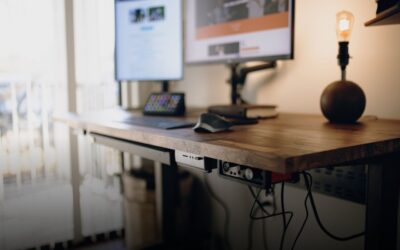

Quick answer: The best dual monitor arm for most desks is the HUANUO Dual Monitor Stand (HNDS6), a gas spring mount with smooth, independent arms. If you want a simple, proven pole mount, the VIVO Dual Monitor Desk Mount (STAND-V002) is the classic pick. For heavier screens, look at the WALI Dual Monitor Arm, and for tool-free setup, the ErGear Dual Monitor Arm. If your desk is narrow, the HUANUO Stacked Dual Monitor Stand puts one screen above the other.
A dual monitor arm clamps to the desk, lifts both screens, and lets you set each one where you need it. I compared five popular models by screen size, weight per arm, reach, mounting, and warranty. I have not tested these monitor arms myself; my picks are based on manufacturer specifications and verified owner reviews.
My Top Picks
- Best overall: HUANUO Dual Monitor Stand (HNDS6)
- Best classic pole mount: VIVO Dual Monitor Desk Mount (STAND-V002)
- Best for heavier monitors: WALI Adjustable Dual Monitor Arm
- Best for tool-free setup: ErGear Dual Monitor Arm
- Best for narrow desks: HUANUO Stacked Dual Monitor Stand (HNDS8)
Top Picks at a Glance

HUANUO Dual Monitor Stand

Prime VIVO Dual Monitor Desk Mount

Prime WALI Adjustable Dual Monitor Arm for 13-32 inch

Prime ErGear Dual Monitor Arm, Full Adjustable Monitor

HUANUO 17-32 Inch Dual Monitor Stand
As an Amazon Associate I earn from qualifying purchases. Product details and availability are accurate as of the date/time indicated.
The Best Dual Monitor Arms Reviewed
1. HUANUO Dual Monitor Stand (HNDS6): Best Overall
HUANUO Dual Monitor Stand



As an Amazon Associate I earn from qualifying purchases. Product details and availability are accurate as of the date/time indicated.
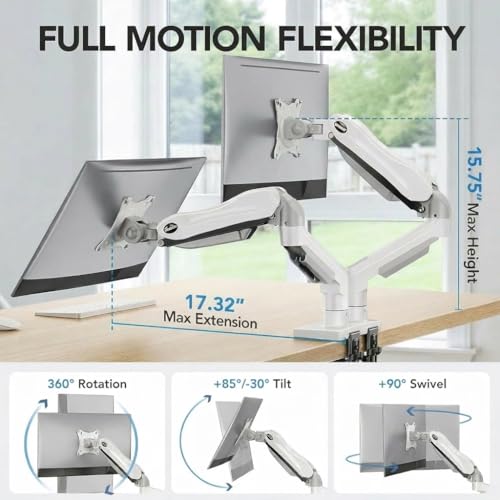
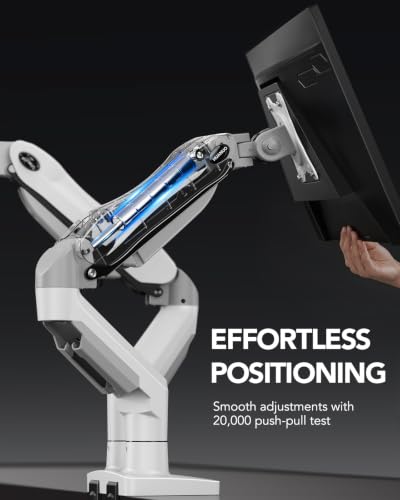
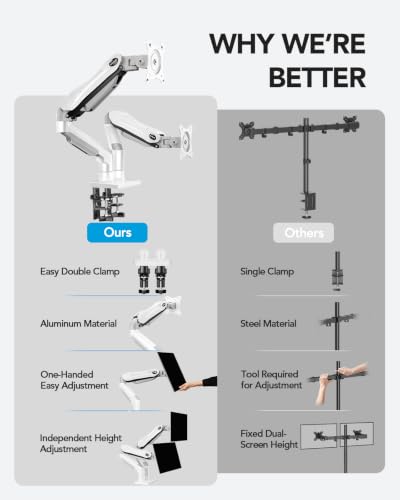
The HNDS6 uses pneumatic (gas spring) arms, so you move each screen by hand instead of loosening screws. Each arm can swivel, tilt, rotate, and adjust in height on its own.
It fits screens from 13 to 32 inches that weigh 4.4 to 19.8 lbs each and have 75x75mm or 100x100mm VESA holes. It mounts with a C-clamp or a grommet base and has built-in cable management. It has over 30,000 ratings on Amazon.
Key specs
- Screen size: 13 to 32 inches
- Weight per arm: 4.4 to 19.8 lbs
- VESA: 75x75mm or 100x100mm
- Adjustment: gas spring; tilt (up to 85°), swivel, rotation, height
- Mounting: C-clamp or grommet
- Material: alloy steel
Pros
- Smooth gas spring height changes
- Large owner base and strong rating
- Two mounting options included
Cons
- Monitors under 4.4 lbs may be too light for the springs
- The listing does not state a warranty or desk thickness range
Bottom line: The best all-round choice if you move your screens often.
2. VIVO Dual Monitor Desk Mount (STAND-V002): Best Classic Pole Mount
Prime VIVO Dual Monitor Desk Mount




As an Amazon Associate I earn from qualifying purchases. Product details and availability are accurate as of the date/time indicated.
This VIVO mount ranks #4 in Computer Monitor Arms on Amazon and has over 60,000 ratings. Both arms ride on a center steel pole. You set the height along the pole, then use the joints to tilt, swivel, and rotate each screen.
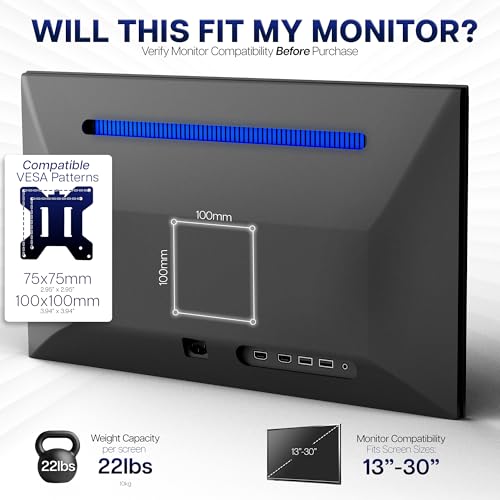
It holds two screens from 13 to 30 inches and up to 22 lbs each. The heavy-duty C-clamp fits desks up to 3.25 inches thick, and a grommet mount is an option. Cable clips run along the arms and pole, and VIVO backs it with a 3-year warranty.
Key specs
- Screen size: 13 to 30 inches
- Weight per arm: up to 22 lbs
- VESA: 75x75mm or 100x100mm
- Adjustment: +90° to -90° tilt, 180° swivel, 360° rotation, height on the center pole
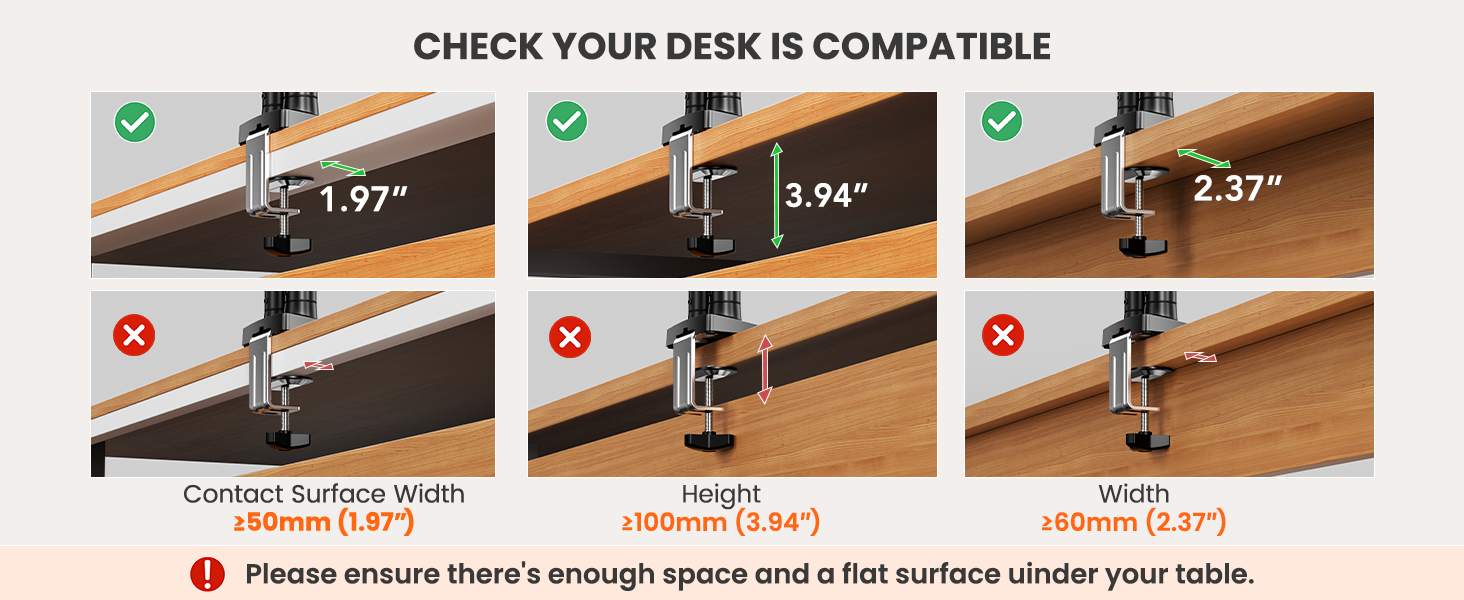
- Mounting: C-clamp (desks up to 3.25″) or grommet
- Warranty: 3 years
Pros
- Huge owner base and long track record
- Handles up to 22 lbs per arm
- Fits thicker desks than most
Cons
- Height changes take tools, not a quick push
- Maximum screen size is 30 inches, not 32
Bottom line: A sturdy, set-and-forget option.
3. WALI Adjustable Dual Monitor Arm: Best for Heavier Monitors
Prime WALI Adjustable Dual Monitor Arm for 13-32 inch


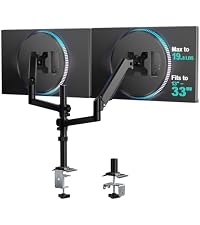


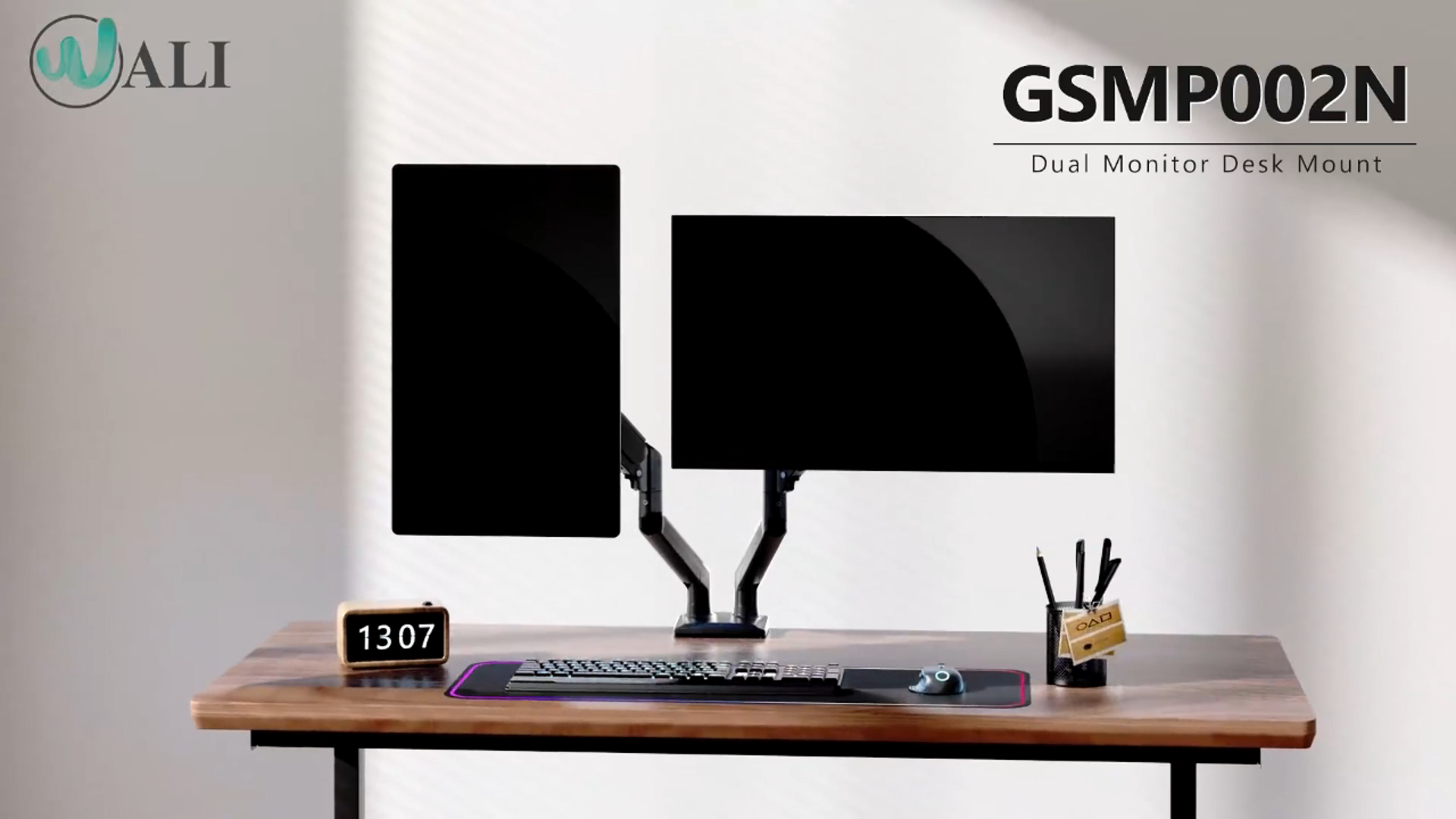
As an Amazon Associate I earn from qualifying purchases. Product details and availability are accurate as of the date/time indicated.
WALI rates each arm for 22 lbs, which gives a little more headroom for heavier 27-inch or 32-inch screens. It fits most flat or curved 13 to 32-inch screens with 75x75mm or 100x100mm VESA holes. The arms extend up to 19.3 inches and raise the screen up to 17.3 inches above the desk.
The 10-year warranty is the longest of the five.
Key specs
- Screen size: 13 to 32 inches, flat or curved
- Weight per arm: up to 22 lbs
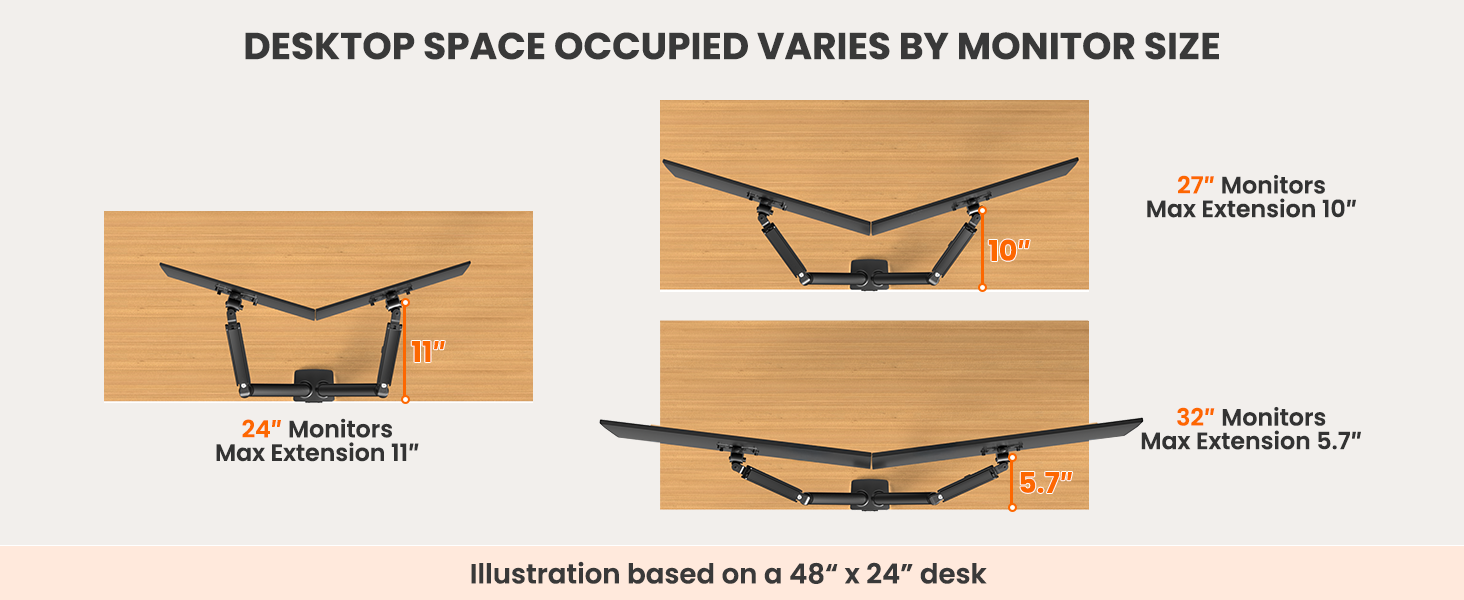
- Reach: up to 19.3″ extension, up to 17.3″ height above the desk
- Adjustment: ±90° swivel, +70°/-45° tilt, 360° rotation
- Mounting: C-clamp or grommet (desks 0.39″ to 2.76″)
- Warranty: 10 years
Pros
- Highest weight rating among the 32-inch arms here
- Longest warranty in this list
- Longest reach in this list (19.3″)
Cons
- Desk thickness limit of 2.76 inches
- Over 17,000 ratings, but a slightly lower average than the HUANUO and VIVO
Bottom line: The pick if your monitors are on the heavy side or you want the longest warranty.
4. ErGear Dual Monitor Arm: Best for Tool-Free Setup
Prime ErGear Dual Monitor Arm, Full Adjustable Monitor
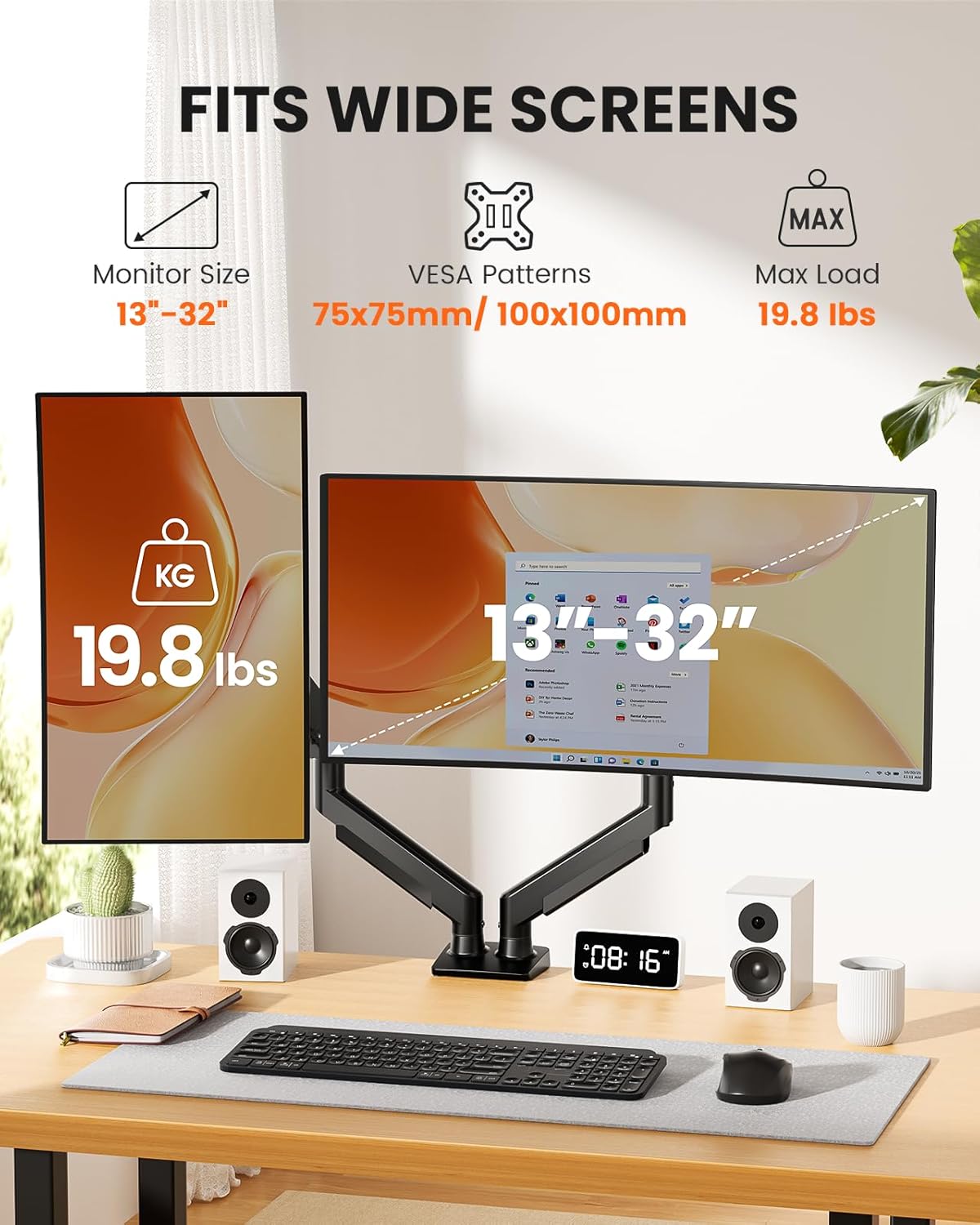


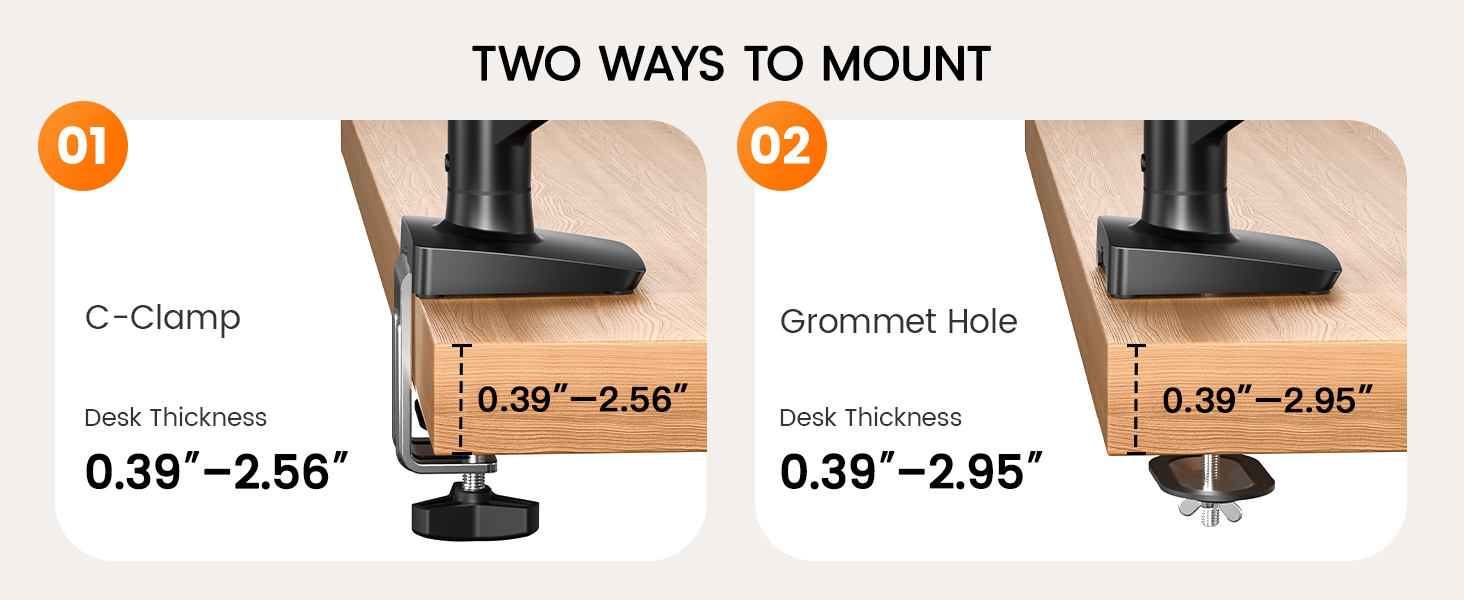

As an Amazon Associate I earn from qualifying purchases. Product details and availability are accurate as of the date/time indicated.
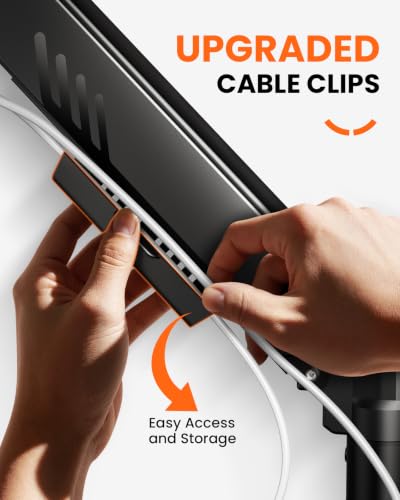
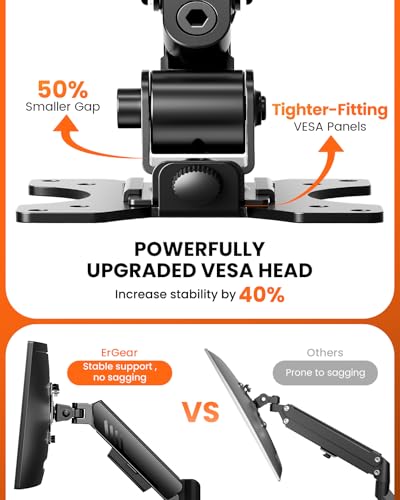
ErGear’s newer dual arm focuses on easier setup. The VESA mount is tool-free, and the upgraded cable clips open by hand.
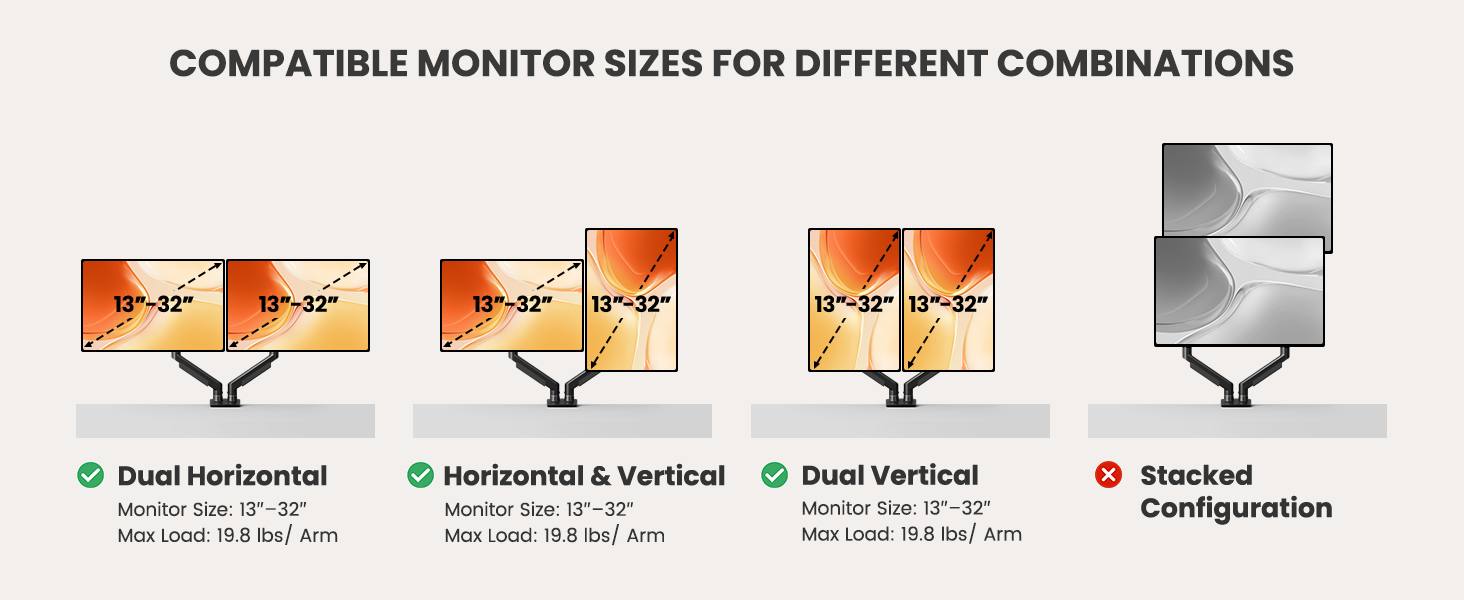
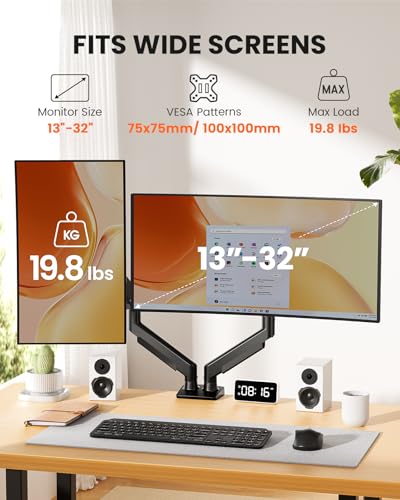
It fits flat or curved 13 to 32-inch screens up to 19.8 lbs, with 75x75mm or 100x100mm VESA. It comes with a 5-year warranty.
Key specs
- Screen size: 13 to 32 inches, flat or curved
- Weight per arm: up to 19.8 lbs
- Reach: up to 17.5″ height, up to 18.1″ extension
- Adjustment: +80°/-50° tilt, ±90° swivel, 360° rotation
- Durability: tested for over 20,000 cycles (per the listing)
- Warranty: 5 years
Pros
- Tool-free VESA mount and cable clips
- Generous 5-year warranty
- Tighter VESA head design
Cons
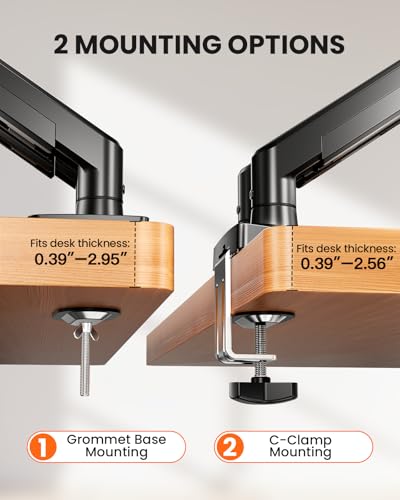
- The listing does not state the desk thickness range
- Lower weight limit than the VIVO and WALI
Bottom line: A good choice if you swap monitors often or want a long warranty.
5. HUANUO Stacked Dual Monitor Stand (HNDS8): Best for Narrow Desks
HUANUO 17-32 Inch Dual Monitor Stand


As an Amazon Associate I earn from qualifying purchases. Product details and availability are accurate as of the date/time indicated.
The HNDS8 stacks one monitor above the other instead of side by side. It includes an extra 17-inch extension that raises the screens up to 25.19 inches, so the top screen can still sit at a usable height.
Each arm supports screens up to 32 inches (17 to 32 inches per the title) and up to 19.8 lbs, with 75x75mm or 100x100mm VESA. It mounts with a C-clamp or grommet on desks 0.39 to 3.54 inches thick, the widest range here.
Key specs
- Layout: stacked (one screen above the other)
- Screen size: 17 to 32 inches
- Weight per arm: up to 19.8 lbs
- Height: extra 17″ extension, screens up to 25.19″ high
- Mounting: C-clamp or grommet (desks 0.39″ to 3.54″)
- Cable management: integrated
Pros
- Saves width on small or corner desks
- Fits the thickest desks in this list
- Over 10,000 ratings on Amazon
Cons
- A stacked top screen is too high for some setups
- Not suited to screens under 17 inches
Bottom line: The one to get when desk width, not height, is your limit.
Dual Monitor Arm Comparison Table
| Arm | Best for | Screen size | Max weight per arm | Type | Desk thickness | Warranty |
|---|---|---|---|---|---|---|
| HUANUO HNDS6 | Best overall | 13″–32″ | 19.8 lbs | Gas spring | — | — |
| VIVO STAND-V002 | Classic pole mount | 13″–30″ | 22 lbs | Center pole | Up to 3.25″ | 3 years |
| WALI Dual Arm | Heavier monitors | 13″–32″ | 22 lbs | Articulating arm | 0.39″–2.76″ | 10 years |
| ErGear Dual Arm | Tool-free setup | 13″–32″ | 19.8 lbs | Articulating arm | — | 5 years |
| HUANUO HNDS8 | Narrow desks | 17″–32″ | 19.8 lbs | Stacked | 0.39″–3.54″ | — |
How to Choose a Dual Monitor Arm
Check VESA, size, and weight first
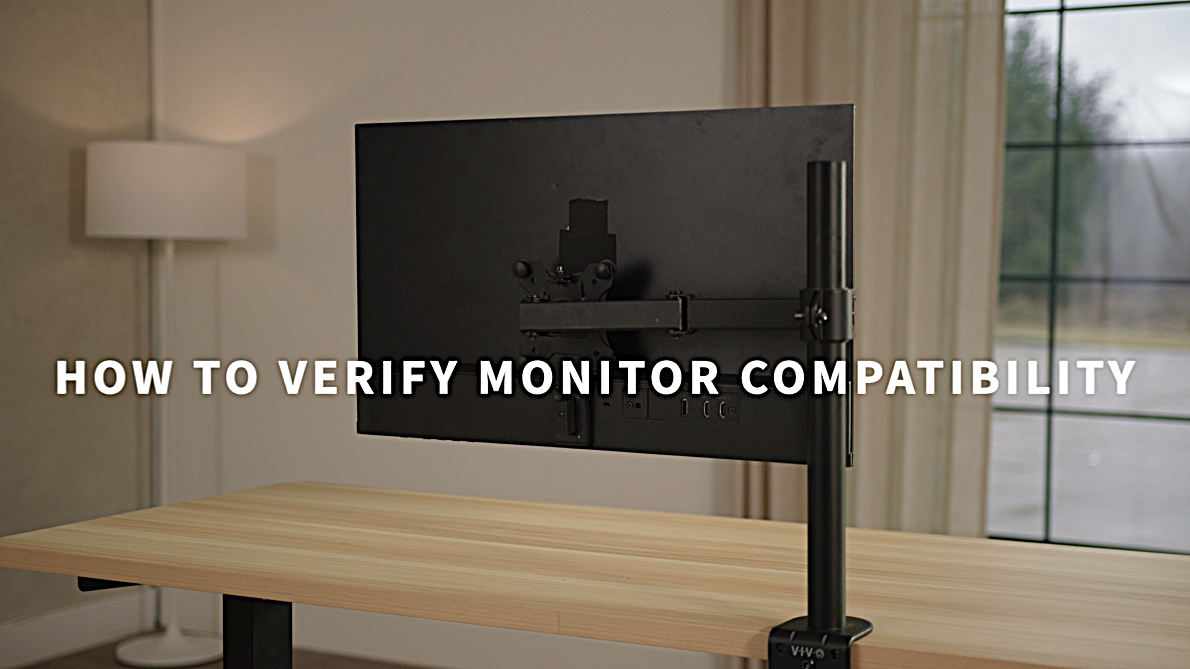
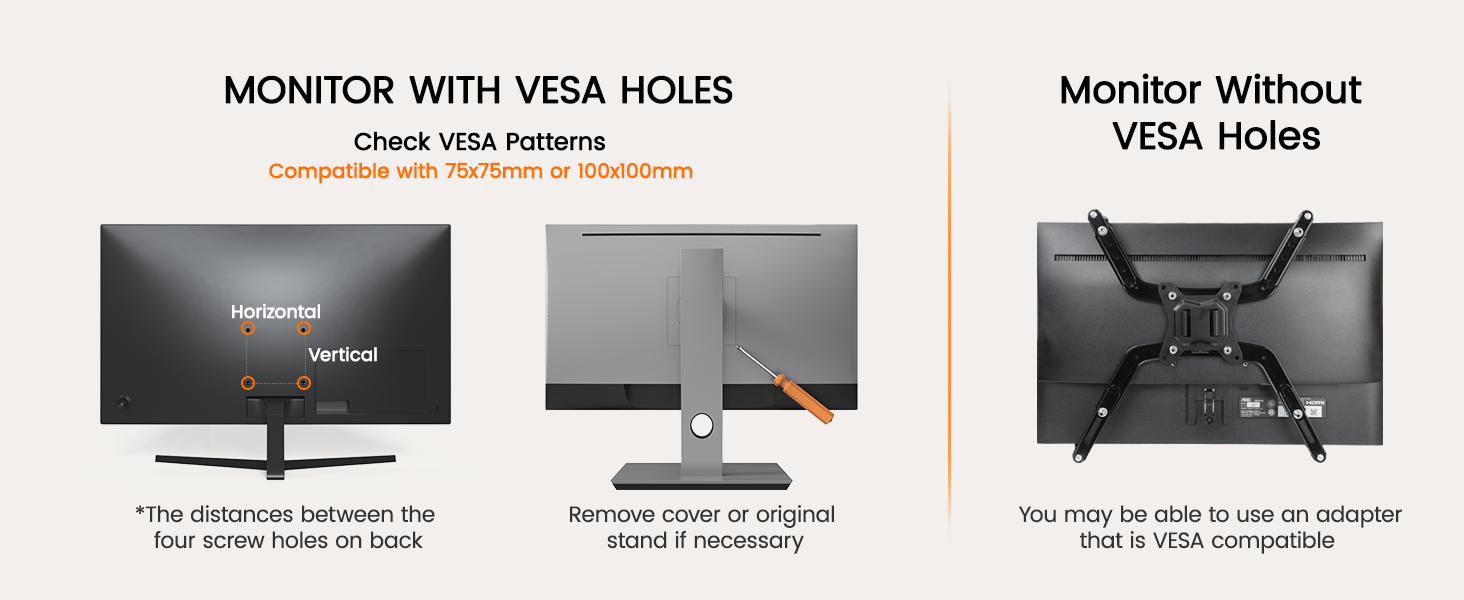
All five arms need 75x75mm or 100x100mm VESA holes on the back of the monitor. Then check each screen’s size and weight, without its stand. Gas spring arms also have a minimum weight; a very light screen may drift upward.
Gas spring or pole mount
Gas spring arms let you push a screen up or down by hand, which suits a standing desk or shared workspace. Pole mounts are simpler and handle uneven screen weights well, but height changes take more effort.
Side by side or stacked
Side-by-side arms suit wide desks. Stacked mounts save width but place one screen higher, so they work best when the top screen is for reference, like chat or email.
Desk thickness and mounting
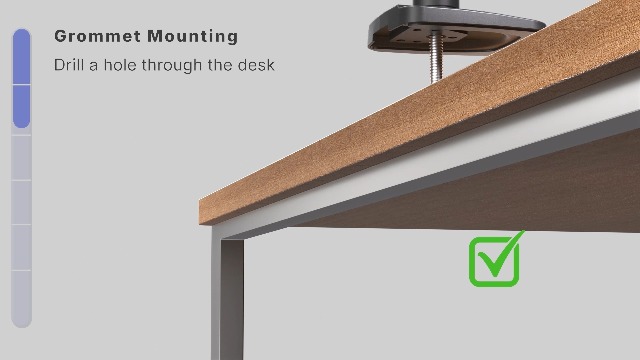
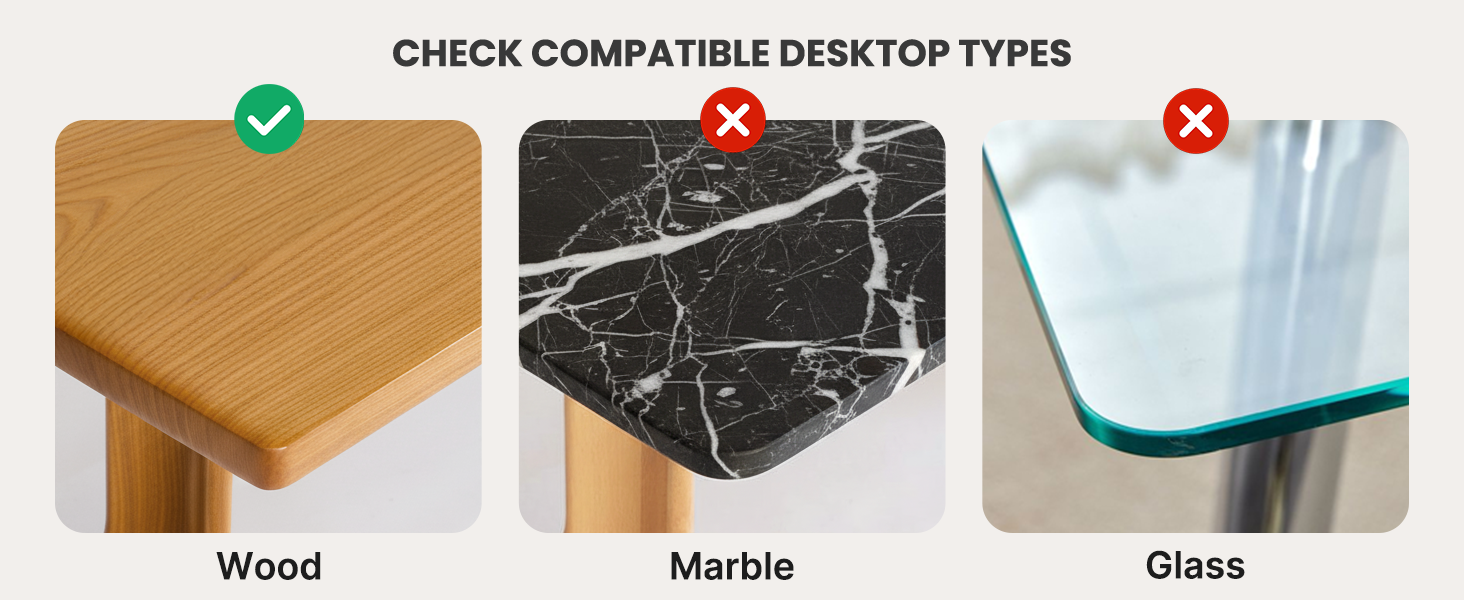
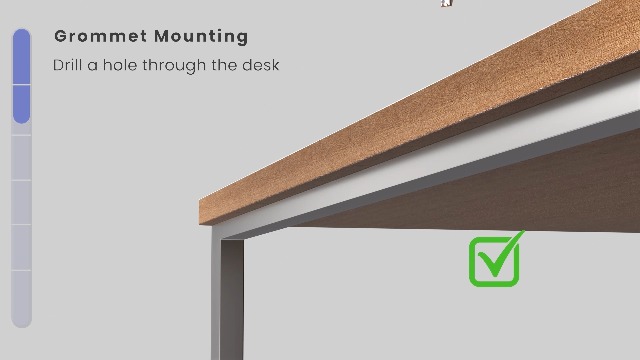
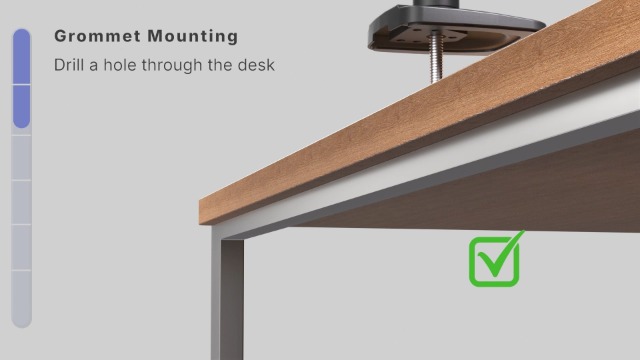
Measure your desktop before you buy. C-clamps need a lip at the back edge with room underneath. A grommet mount needs a hole through the desk.
Reach and seating
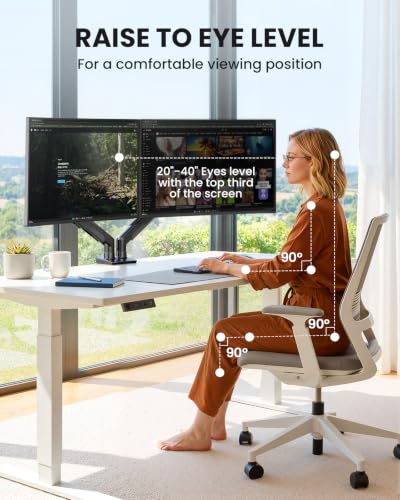
Longer arms help on deep desks. Pair the arm with a good ergonomic office chair for a complete setup.
Final Thoughts
For most people, the HUANUO HNDS6 is the easiest dual monitor arm to live with. Choose the VIVO for a proven pole mount, the WALI for heavier screens, the ErGear for simple setup, or the HUANUO HNDS8 for narrow desks. If you only use one screen, see my guide to the best monitor arms, and for more desk upgrades, my gifts for remote workers list has ideas.
Frequently Asked Questions
Can a dual monitor arm hold two different monitors?
Yes, as long as each screen meets the arm’s VESA, size, and weight limits. On gas spring arms, you set the tension for each arm separately to match each screen’s weight.
Do dual monitor arms work with curved monitors?
Many do. WALI and ErGear state that their arms fit flat or curved screens. Just check the weight limit.
What if my monitor has no VESA holes?
None of these arms will mount it directly. Some monitor makers sell a VESA adapter for their models; check with your monitor’s brand before buying an arm.
Will a clamp-on arm damage my desk?
Solid wood or metal desks are the safest base. Thin or hollow tops can bend under a clamp over time; a grommet mount or reinforcement plate spreads the load.